for people who switch between ChatGPT, Claude, and Gemini every day
Prompts are part of how you work. Promptler is where that work lives.
Promptler is how your best prompts stop getting lost, rewritten, and reinvented every time you need them.


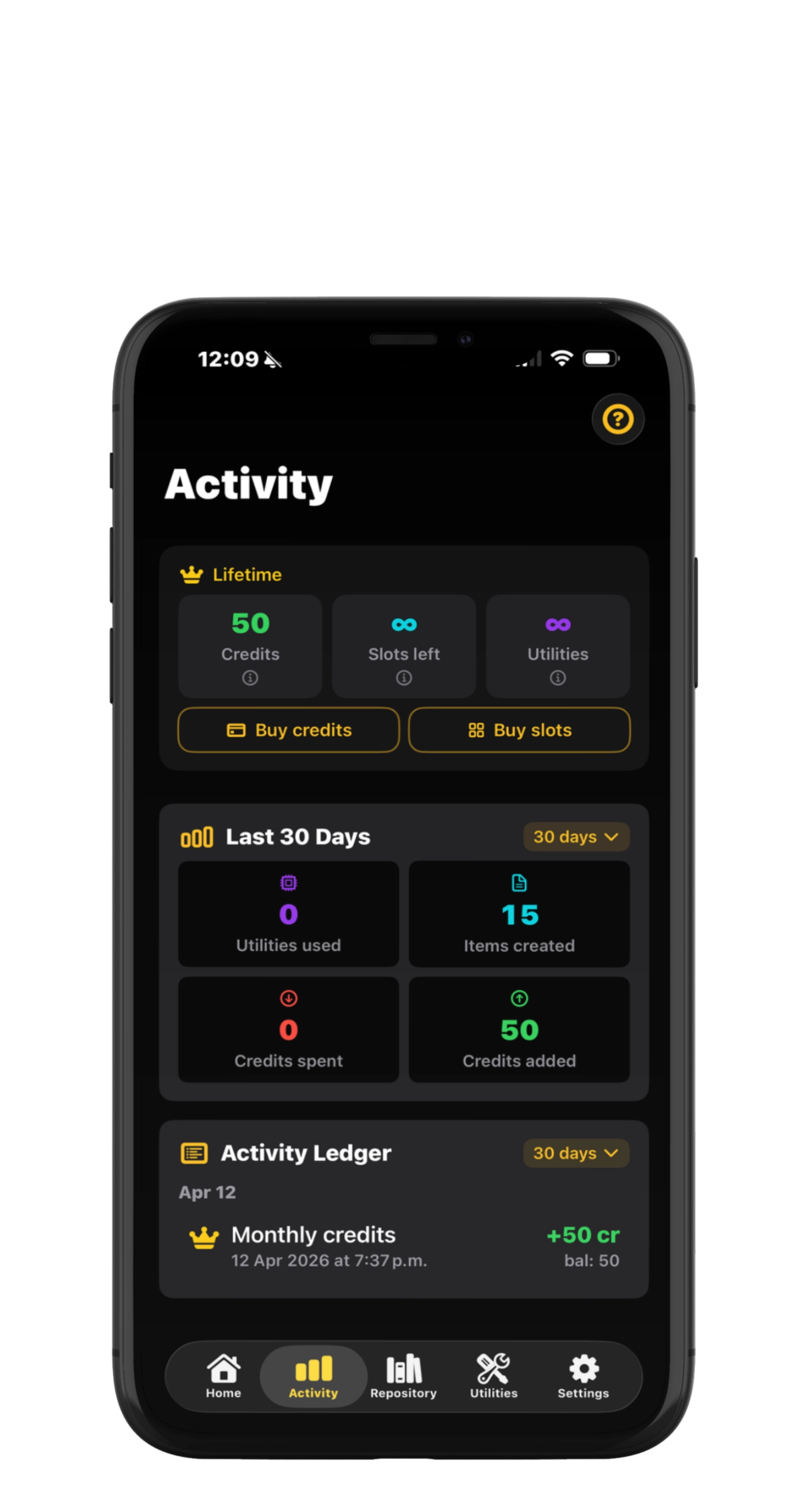
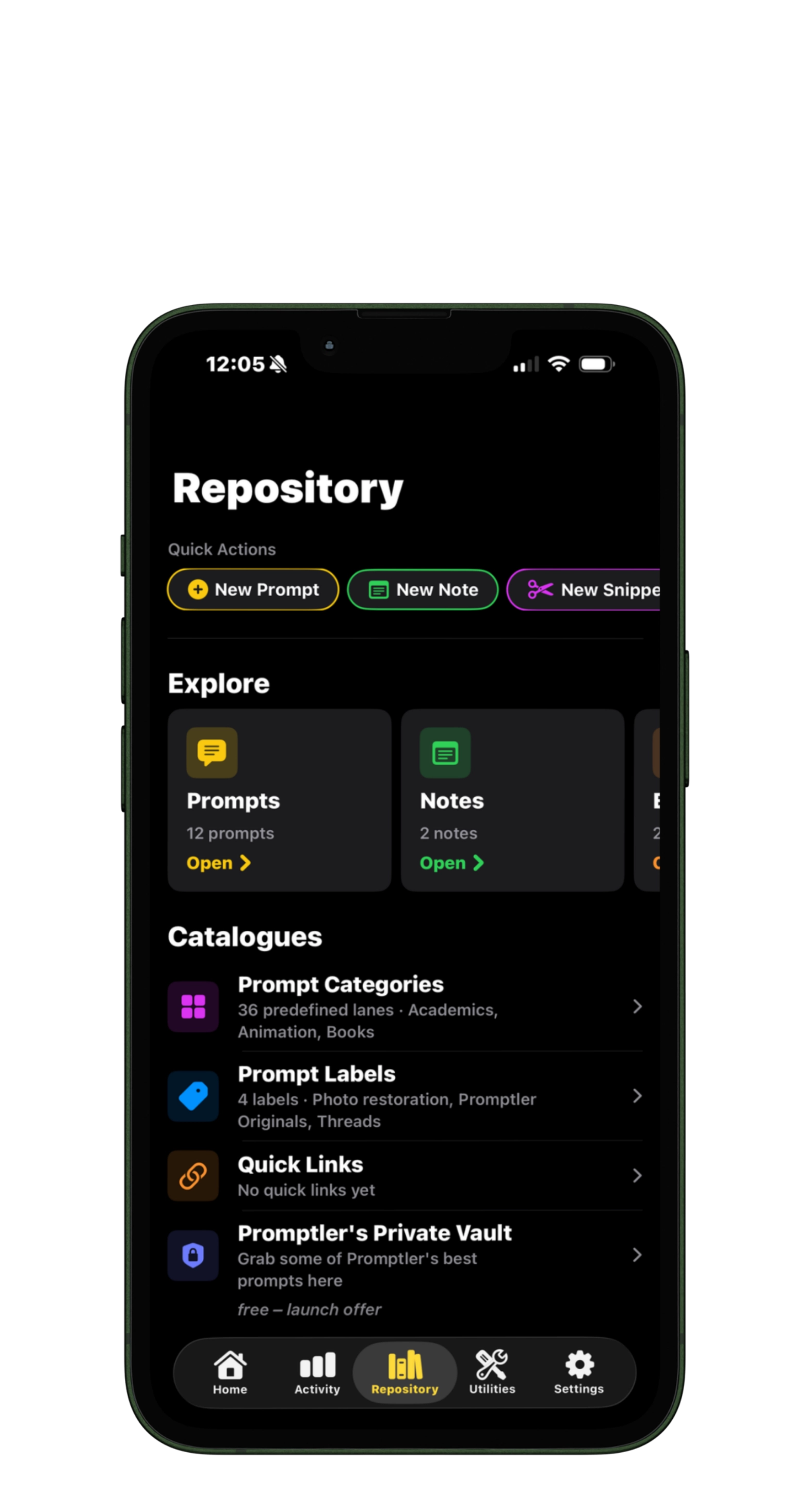
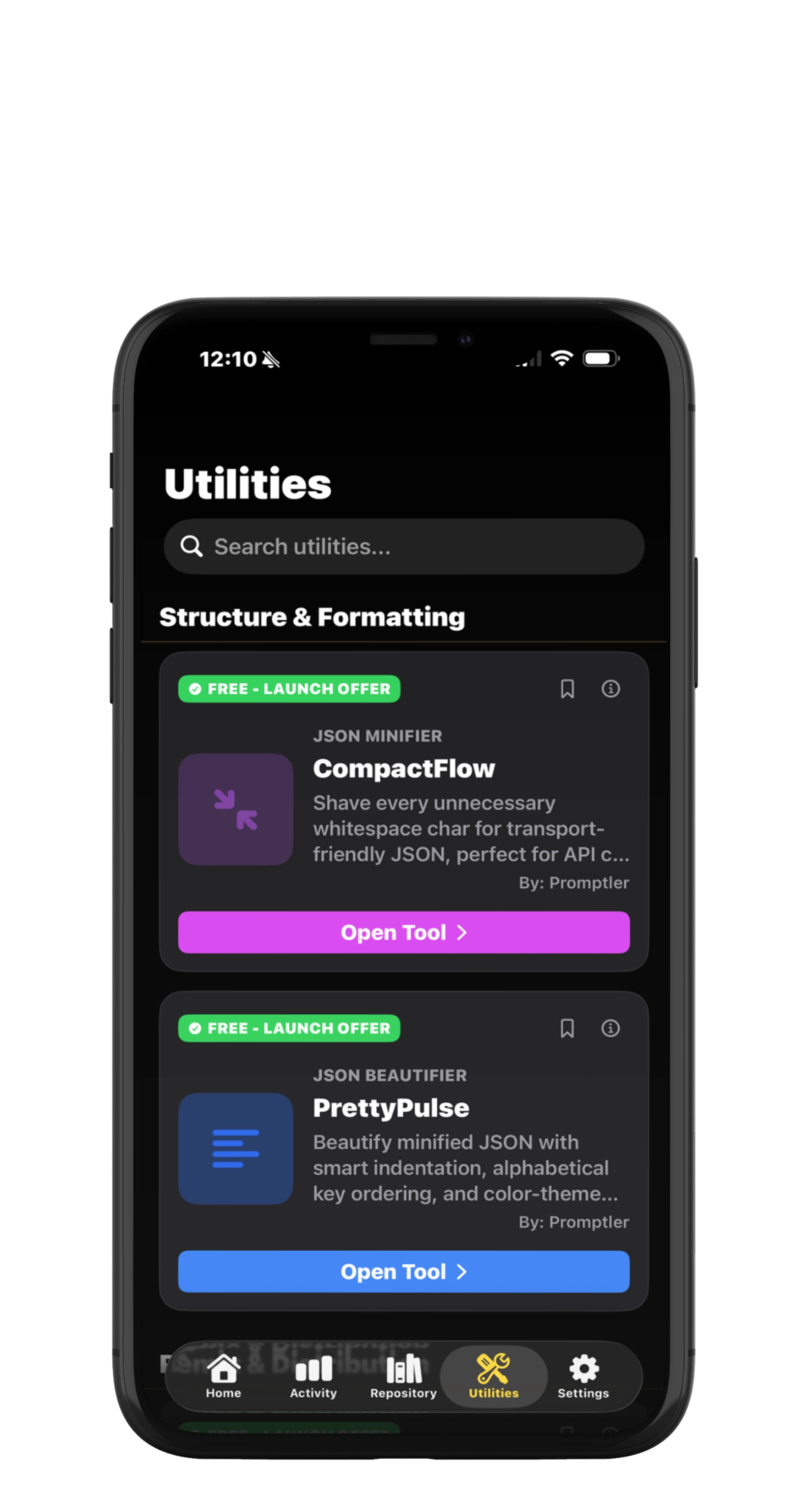
3 taps
From any prompt to your clipboard
15 free
Prompt slots to start, no account


Built for people who use AI every day
About Promptler
Promptler turns scattered AI prompts into a searchable, private workspace for people who use ChatGPT, Claude, and Gemini daily and have a personal library of prompts they actually care about.

Save prompts from any AI tool, tag them with categories and labels, attach reference images, and add templates or notes. Then go further with the built-in toolkit — count tokens, format JSON, OCR screenshots, split long prompts for social — and use AI tools to turn prompts into Markdown, XML, scene blocks, or cinematic video prompts. Save from any app with the share sheet, sync through your own iCloud, in English or Spanish. Free to start.
Features
Your prompts, your workspace, your workflow

Find the prompt you wrote three weeks ago
Full-text search across every prompt, category, label, and note. Three taps from anywhere to the prompt you need.

Works with every AI tool you use
Bring-your-own-AI. Save and template a prompt once, paste it into ChatGPT, Claude, Gemini, Perplexity, Copilot, or any model you're working with.

Private by design, exportable anytime
Stored on your device and your own iCloud — never on our servers. PIN, Face ID, Touch ID. No account required. Export your library to JSON whenever you want — your prompts are yours.
Questions?
help@promptler.ai
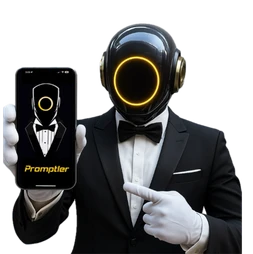

Why Promptler
The prompt workspace built for daily AI users
A searchable, private workspace that keeps your best prompts within reach — with a toolkit built for the way you actually use AI.
- The prompt you wrote three weeks ago, three taps away
- Reusable templates with {{variables}}
- Works across ChatGPT, Claude, Gemini, Perplexity, and local models
- Your library, on your devices and your iCloud. Export to JSON anytime.

Private by design, synced by iCloud

PIN, Face ID, Touch ID

how it works
Turn scattered prompts into a working system

1. Save the ones that actually work
Paste or type prompts from any AI tool, or send them from any app with the Save to Promptler share sheet. Add a title, category, and labels — and your workspace starts filling up.

2. Organize & template
Group by category and label, bookmark favorites, and turn frequent prompts into reusable templates with {{variables}}.

3. Transform with the toolkit
Count tokens, format JSON, split long prompts for social, and extract text from screenshots on your device — or use AI tools to convert prompts to Markdown, XML, or cinematic video prompts.

4. Keep it yours
PIN, Face ID, and JSON export anytime — no account, no lock-in. Your prompts stay on your devices and your own iCloud, and you can take them with you whenever you want.
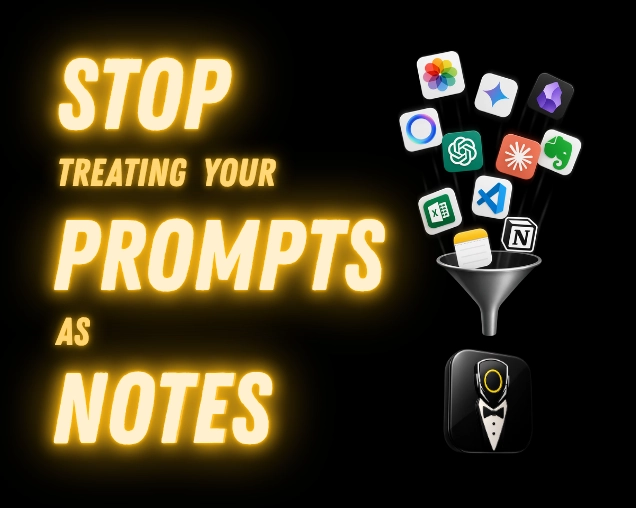
What you can do in Promptler
One workspace for your prompts, notes, snippets, and AI tools
Workspace · Free
Save AI prompts you actually reuse
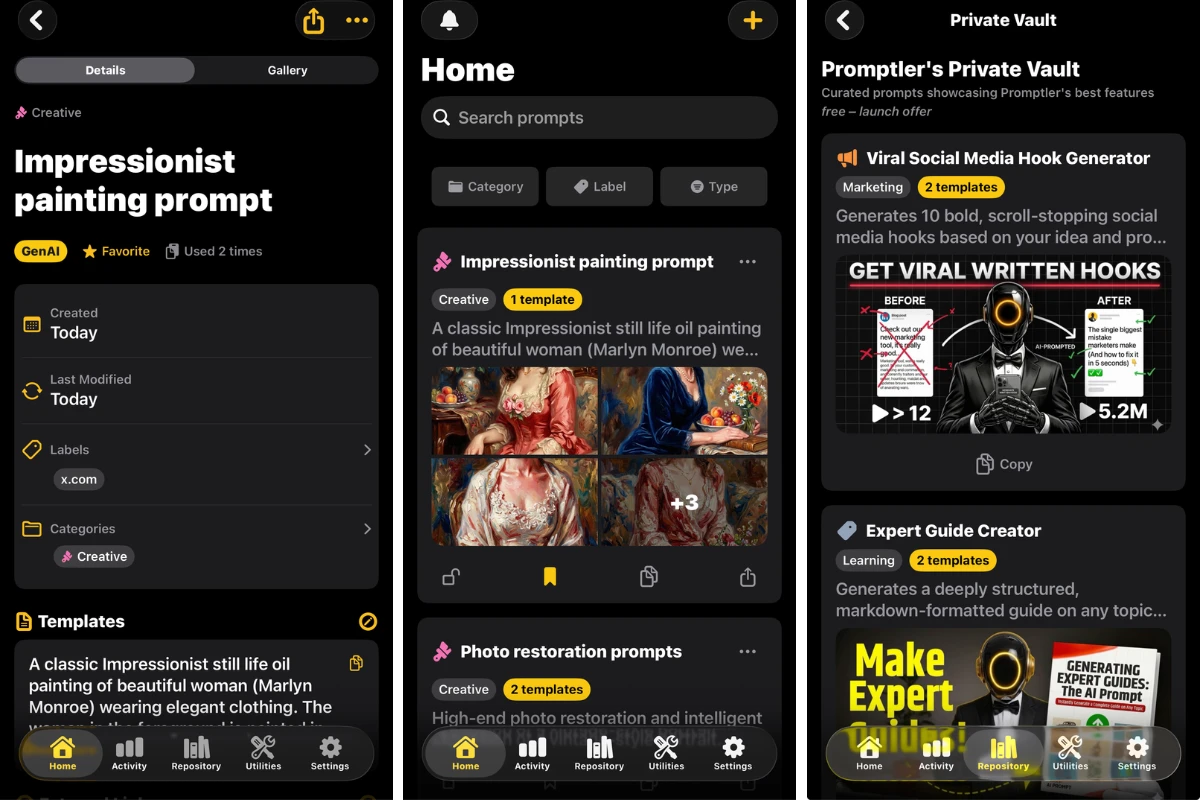
Knowledge · Free
Save notes alongside your prompts
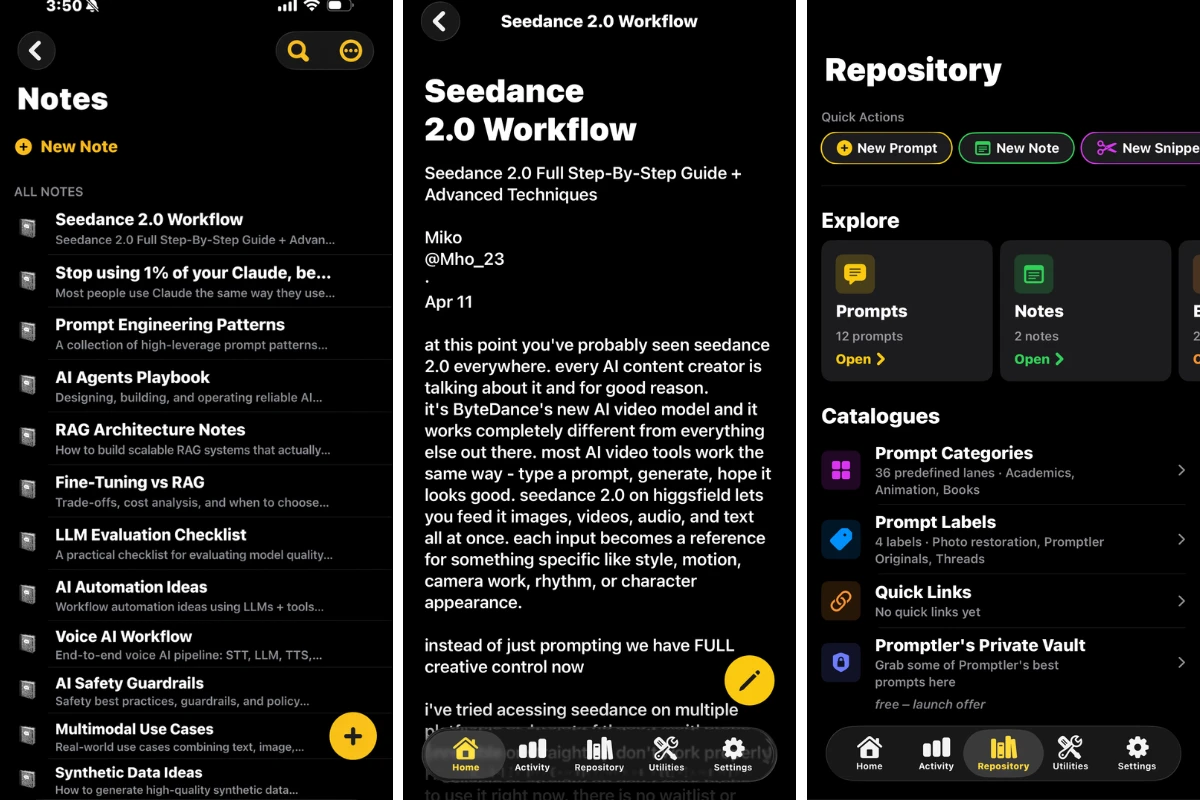
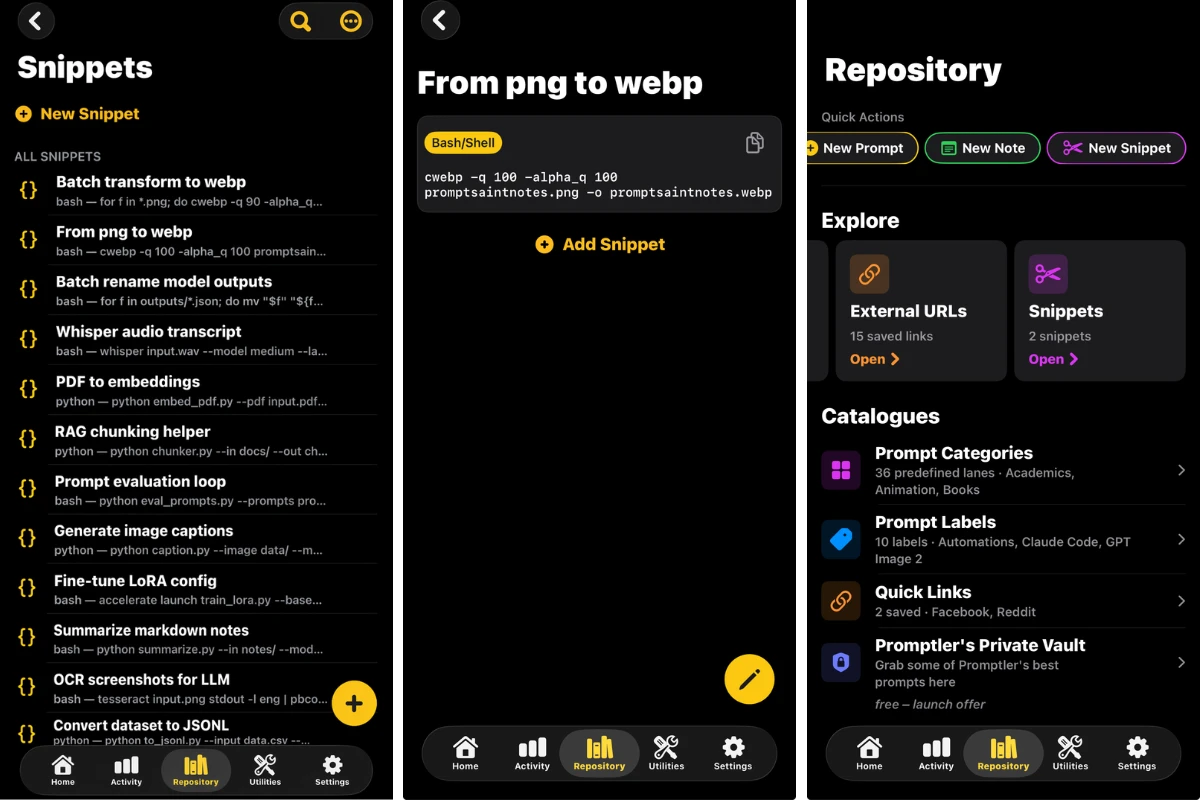
Snippets · Free
Save snippets you copy over and over
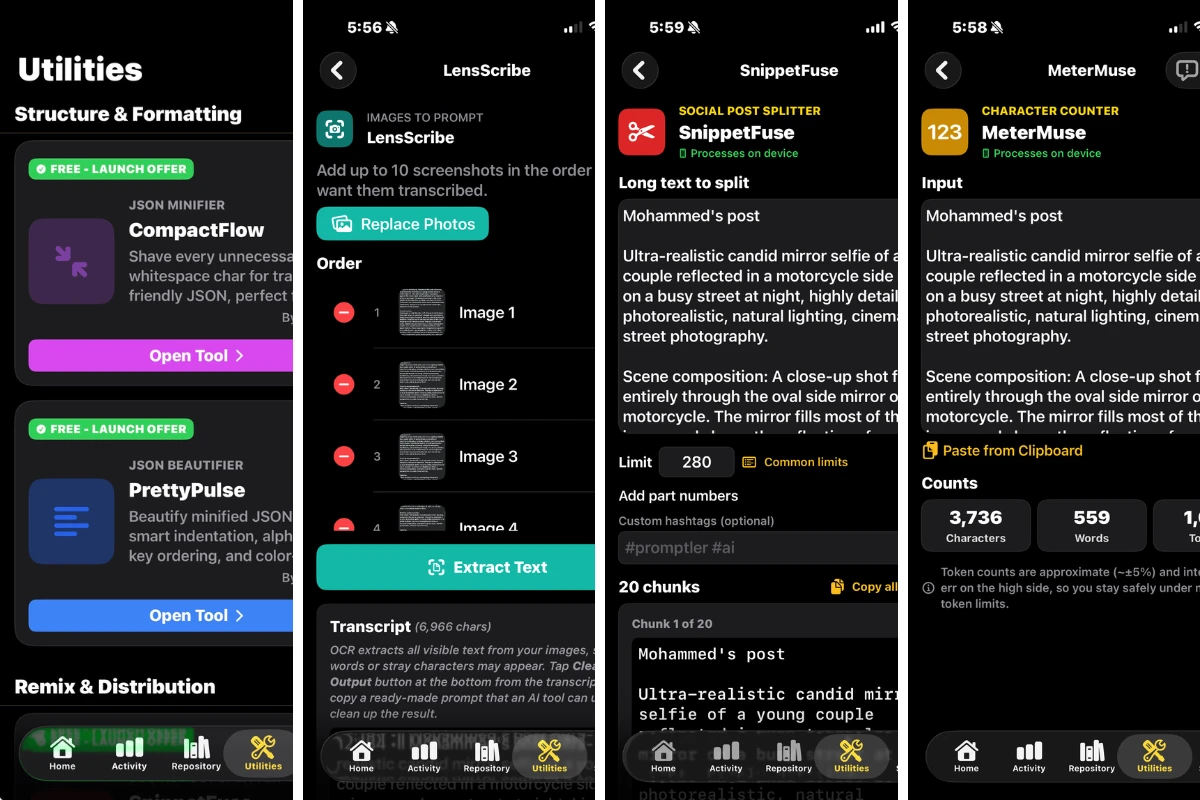
Toolkit · Free + AI credits
Use the built-in prompt toolkit
FAQs
Frequently asked questions about Promptler
Promptler is an iPhone and iPad app that turns scattered AI prompts into a searchable workspace. Save prompts, organize by category and label, reuse them with templates and variables, and transform them with a built-in utility toolkit.
Yes — start free with 15 slots for your prompts, notes, and snippets, the 5 on-device utility tools, the Promptler Vault of preloaded prompts (which don't count toward your 15 slots unless you import them), and every search, category, and privacy feature. The starter prompts you pick during setup don't use slots either. Free prompts hold up to 2 templates and 2 annotations each. Premium removes those caps, gives you unlimited slots, and adds monthly credits for the AI tools, starting at $0.99 / week. The annual plan includes a 7-day free trial.
No. Promptler is a prompt workspace — bring your own AI tool. It works alongside any AI workflow you already use.
Yes. Your library lives on your device and works fully offline — prompts, notes, snippets, images, search, templates, and the 5 on-device tools. If you're signed into iCloud, it also syncs automatically across your iPhone, iPad, and Mac through your own iCloud account. The AI tools need a connection, because they run on our server.
Open Promptler, tap + to save a prompt, and tag it with a
category and labels so you can find it later. To reuse it, fill in any
variables you defined inside {{curly braces}} — Promptler
turns the template into a finished prompt you can paste into ChatGPT,
Claude, Gemini, or any other AI tool. You can also save from any app with the Save to Promptler share sheet or a Shortcut. Your library is searchable and works offline.
Promptler is a tool to manage your AI prompt library on iPhone, iPad, and Mac. Use it to save the prompts that actually work, organize them by category and label, reuse them with templates and variables, and transform them with a built-in utility toolkit — so you stop rewriting the same prompts every time you open an AI tool.
Yes. Your prompts and notes are stored on your device and, if you use iCloud, in your own iCloud account — never on Promptler's servers. No account is required; Sign in with Apple is optional. Lock the app with a PIN, Face ID, or Touch ID, and lock individual prompts independently. Prompt text only reaches our server when you run an AI tool: it's sent to our AI provider to produce the result, and we don't keep it. We use analytics to improve the app, and if you allow tracking when iOS asks, to measure our ads. Saying no changes nothing in the app.
Yes. Promptler runs on Apple silicon Macs through Apple's “Designed for iPad” compatibility, with a resizable window, arrow keys and Esc in the photo viewer, and your library synced over iCloud. A dedicated Mac app is on the roadmap.
Yes. Export your entire library as JSON for portable backups, or export individual prompts as Markdown for sharing. JSON import is also supported, so you can restore or migrate your workspace anytime.
Promptler includes 9 utility tools. Five run entirely on your device and are free for everyone: CompactFlow (JSON minifier), PrettyPulse (JSON beautifier), SnippetFuse (splits long text to a character limit), MeterMuse (character, word, and token counter), and LensScribe (on-device text extraction from up to 10 screenshots). Four are AI-powered and run on credits: StructWeaver (turns image prompts into editable scene blocks), MarkMuse (text to Markdown), SchemaSong (prompt to XML), and SceneCaster (turns an idea into a cinematic prompt for AI video tools). Each AI use costs 1 credit with Premium or 3 without; Premium includes monthly credits, and anyone can buy a credit pack. More AI tools are in development, including LinguaLift (translation) and PivotPress (repurposing).
Yes. Promptler is bring-your-own-AI — it sits alongside any tool you already use, including ChatGPT, Claude, Gemini, Perplexity, Copilot, and local models. Save and template a prompt once, then paste it into whichever AI you're working with. Because your library isn't tied to any one AI provider, the same prompts work across every tool.
get started
Stop rewriting the same prompts. Start using Promptler.
Free to start — 15 slots for your most important prompts, notes and snippets. No account. JSON export anytime. If it doesn't stick in a week, you've lost nothing. Want more space? Buy credits to add slots or run the AI tools. Premium gives you unlimited slots and monthly AI credits — and the annual plan starts with a 7-day free trial.